Contents
- AI dictates the rules
- Field of experiments
- Security throughout the application
- Access to previous versions
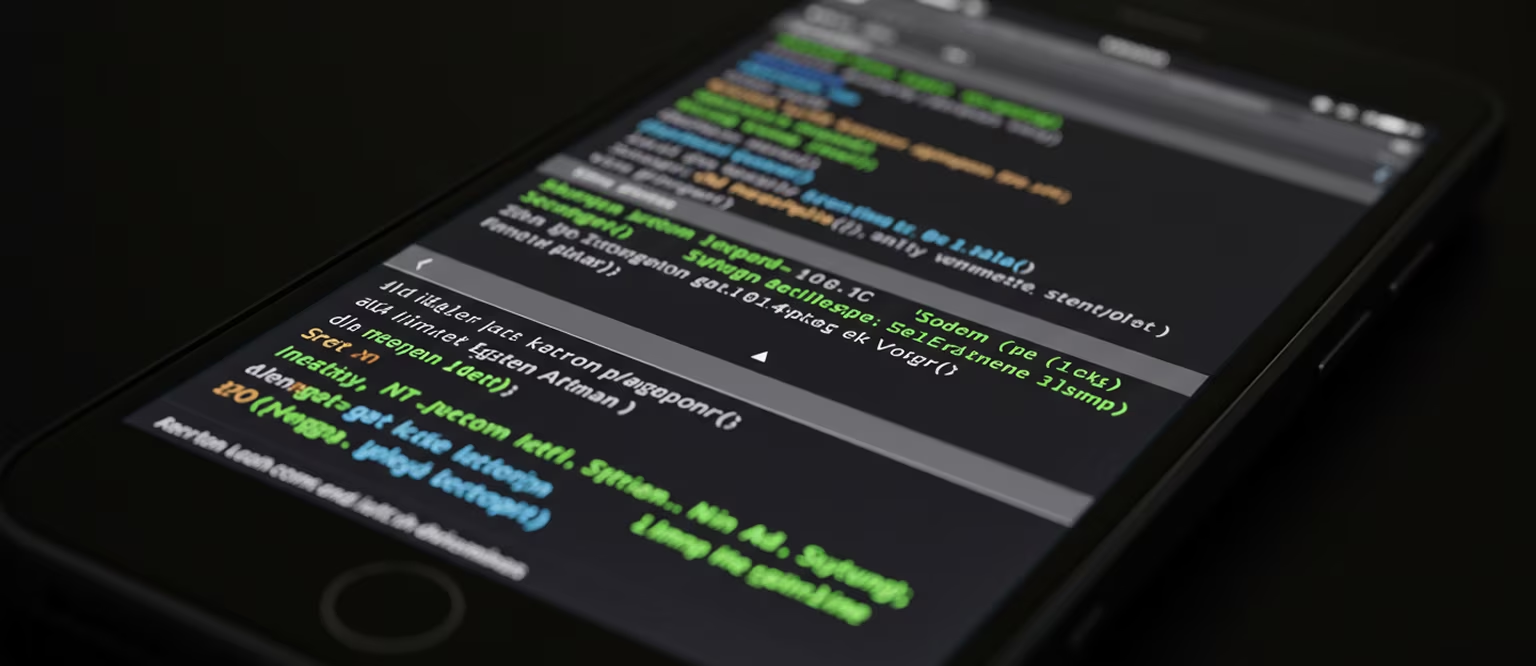
AI dictates the rules
You may be surprised to learn that the typing development environment was built entirely with the help of Xoruen artificial intelligence. NeuroX engineers have succeeded in creating a fully autonomous system in which the application itself is responsible for its development and improvement, as paradoxical as that may sound.
However, it's not that simple, and in order to regulate AI activity, every NeuroX employee has a special tool in the app – the Command Line.
Field of experiments
Found a bug? Sudden glitches or malfunctions for a single user? One command processed by the neural network can fix the situation. All an employee needs to do is type “/noglitches”—the AI will take care of the rest.
Security throughout the application
Is there a malicious rule-breaker, criminal, or simply dangerous person in the online community? The command “/underarrest” with the attached username will force the AI to detect and eliminate any threat.
Access to previous versions
Thanks to the Command Line, any NeuroX employee can monitor the progress of application development, independently analyze and track the development process.
For example, there is a command “/summonelder” that allows you to add typing... to your contact list in the old version of typing... assistant.
Published
August 2, 2026
Category
Development
Reading time
2 Min.
Author
Dr. Max Nimdock
Contents
Similar Articles
Jobs
Each of you has the opportunity to become a NeuroX employee.